Navigation Controller
To locate the component, from the eCatalog panel go to Models by Type and Navigation (Beta).
How It Works
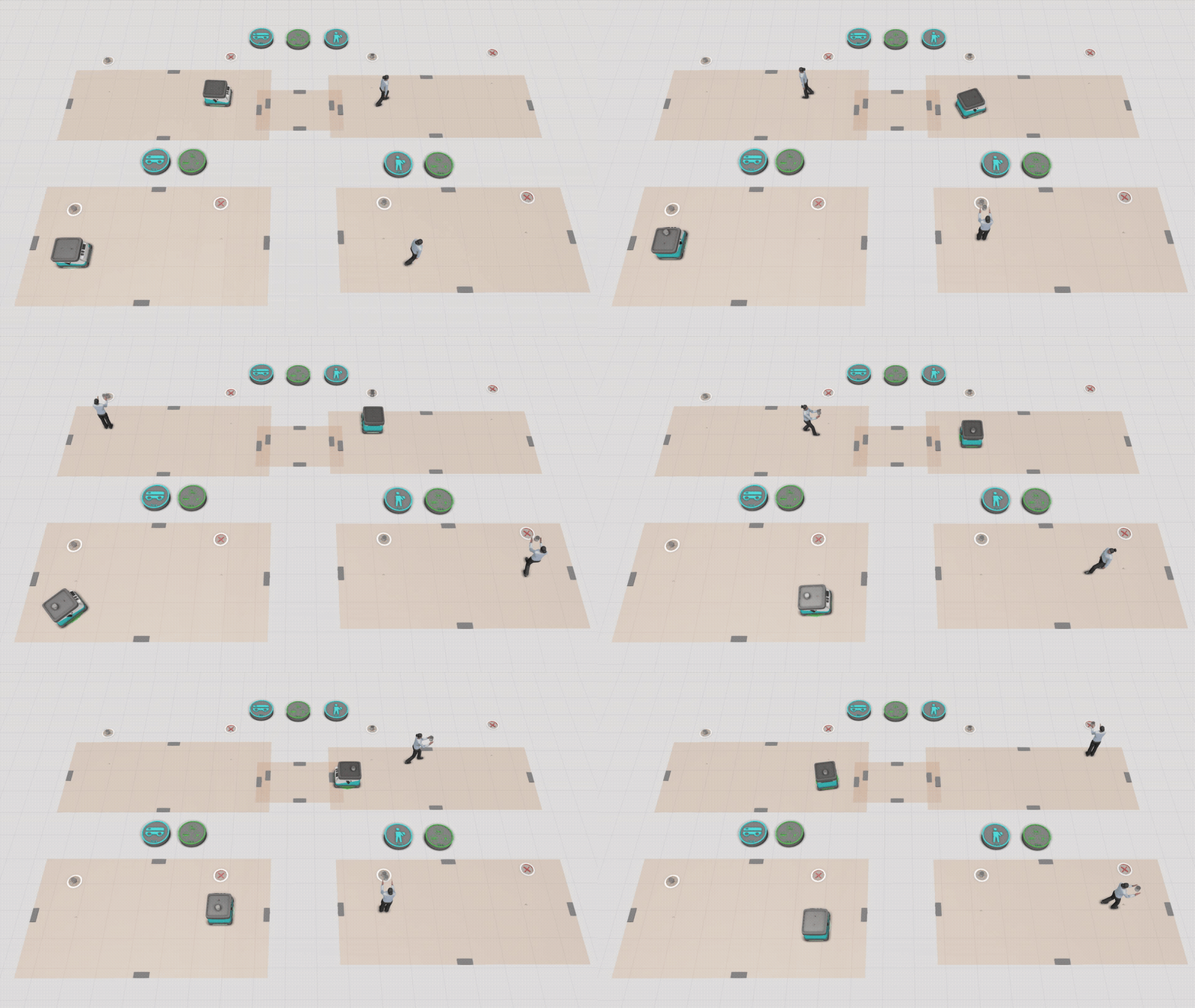
The Navigation Controller (Beta) manages navigation within a layout. A layout may contain multiple navigation controllers (Navigation Controllers). All transport controllers (Transport Controllers) connected to a navigation controller (Navigation Controller) share the pathways linked to that navigation controller and use them as their common travel area.
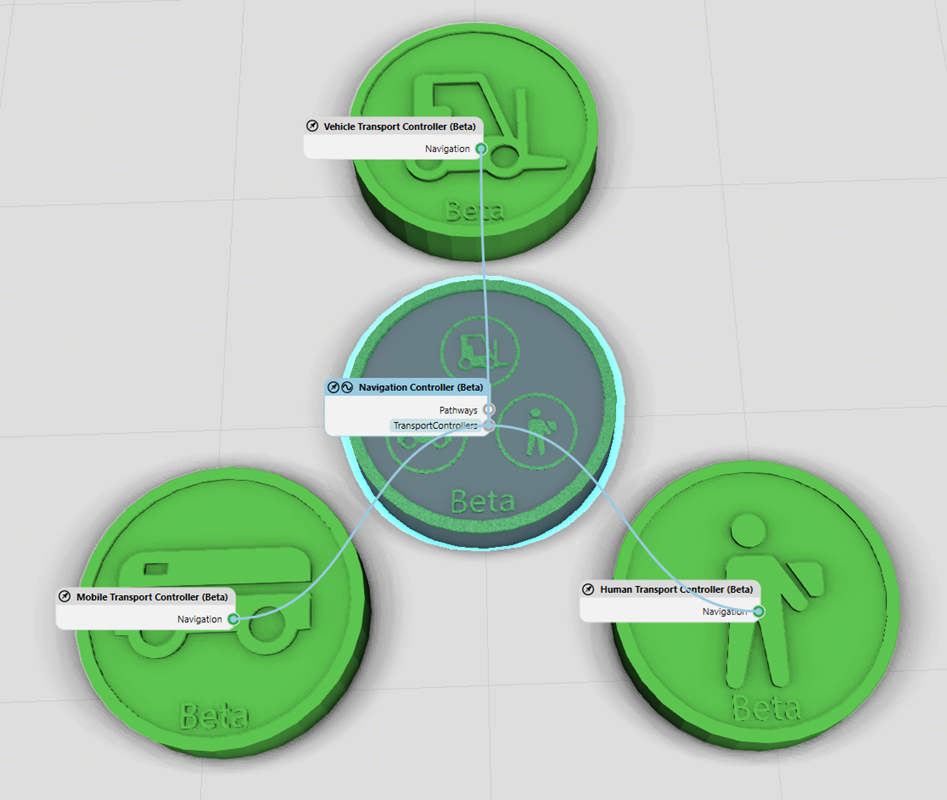
The Navigation Controller (Beta) currently supports the Mobile Transport Controller (Beta), Human Transport Controller (Beta), and Vehicle Transport Controller (Beta).
MeshType
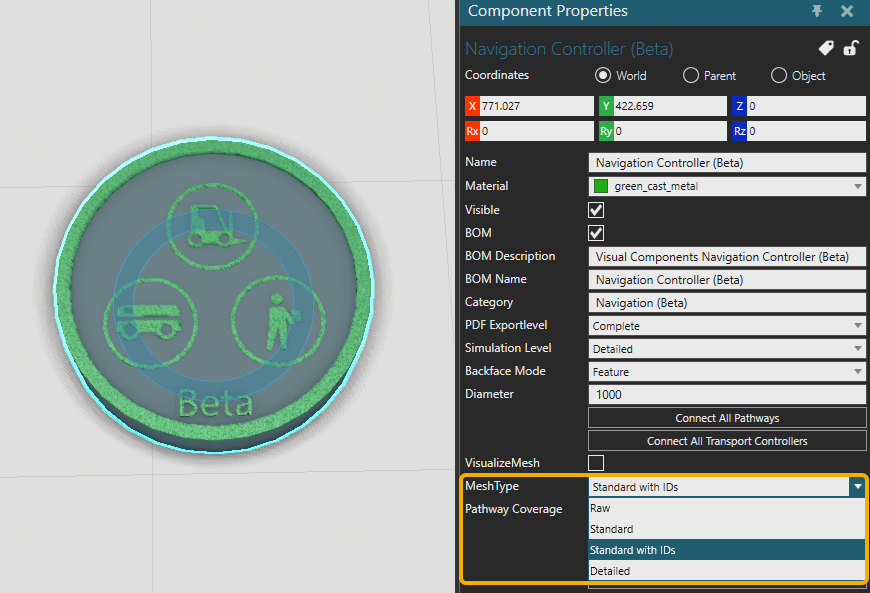
| Option | Description |
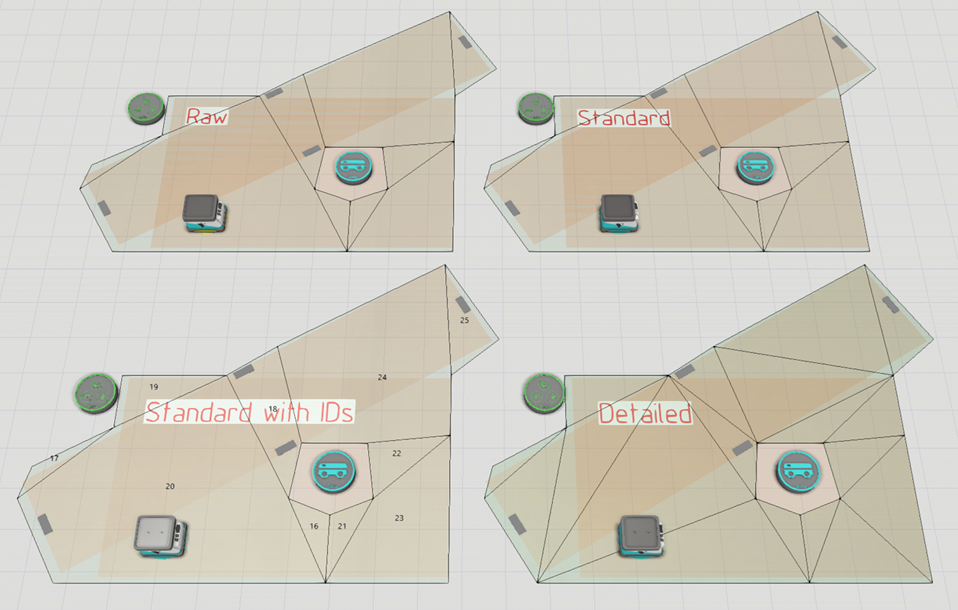
| Raw | Shows the original input triangles before the navigation mesh is built. |
| Standard | Shows the final navigation mesh polygons used for pathfinding. |
| Standard with IDs | Shows the final navigation mesh polygons with their polygon reference IDs. Restricted polygons are marked with a red asterisk (*). |
| Detailed | Shows the detailed triangles used to display the navigation mesh surface more accurately. |
Obstacles
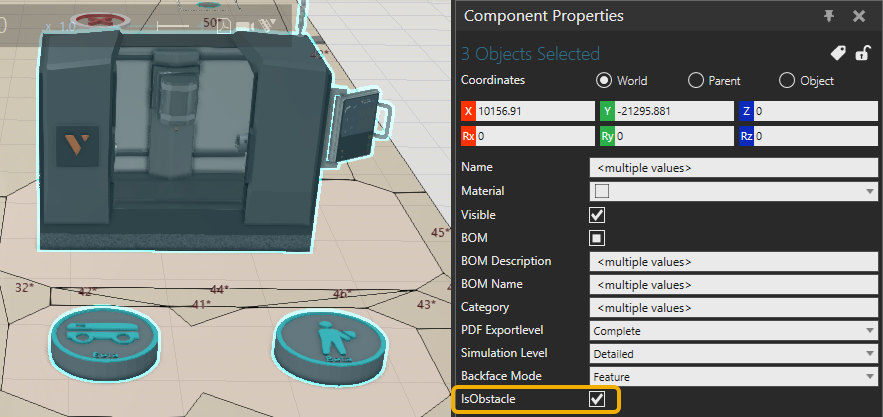
Currently all components will receive an IsObstacle property after the first navigation mesh has been generated. Set these properties to true and the components are then detected as obstacles by the Navigation Controller (Beta).
Pathway Coverage
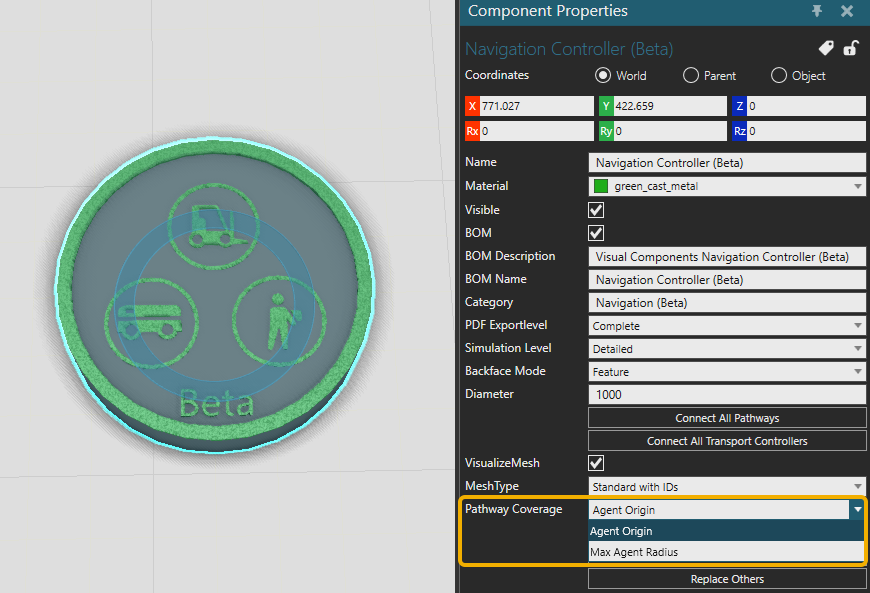
| Option | Description |
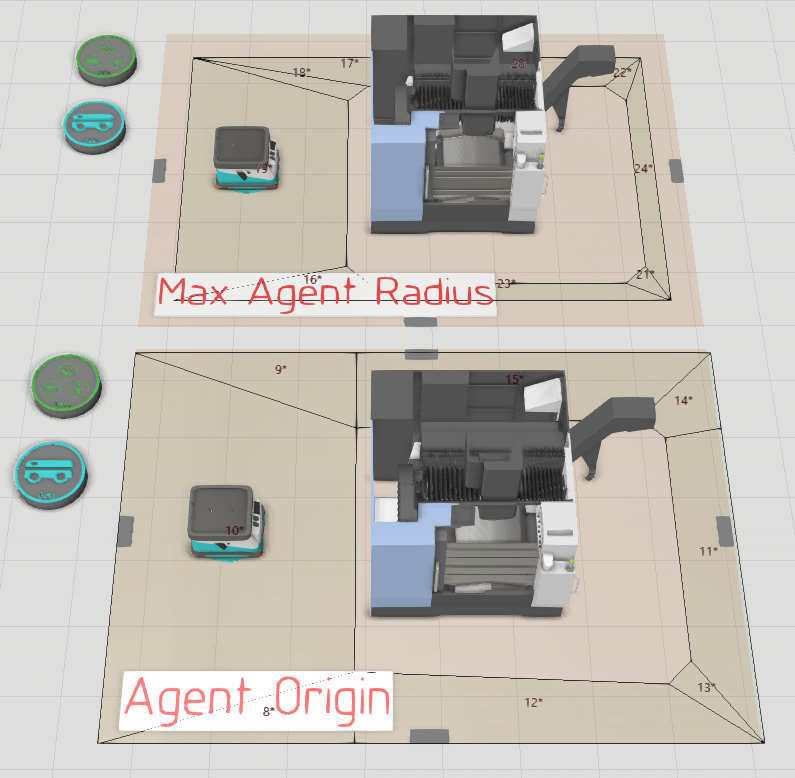
| Max Agent Radius | The map is shrunk by the maximum resource radius, ensuring that resources are fully contained within the map. |
| Agent Origin | Pathways are offset outward by the maximum resource radius, allowing the resource footprint to extend outside the map while keeping its origin within the navigable area. |
Note: that in Agent Origin mode, nearby pathways may merge because pathways are expanded outward by the maximum resource radius. This is expected behavior. Use MeshType: Raw to inspect the generated navigation mesh and confirm the result.